
Readable from the stands
Huge condensed digits that fill any TV or projector, with the segment name above them.
For competitions, events and busy gyms
Build every heat, transition and break once. WOD Timer runs them in order on the big screen, to the second, with nobody standing at the laptop.
Free in your browser. One-time €5. No subscription.
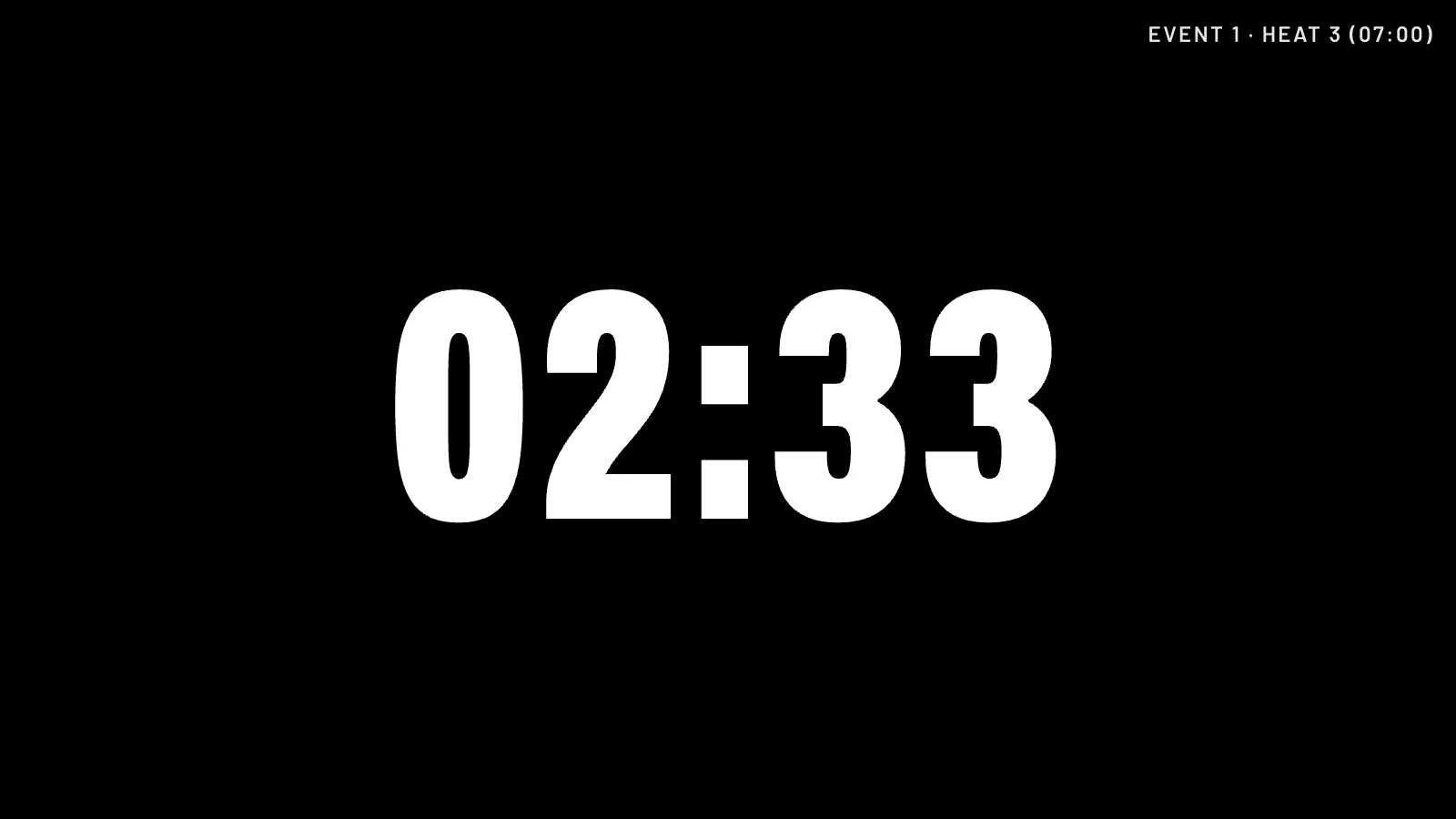
Set it up before the athletes arrive. After that, the clock runs the day.
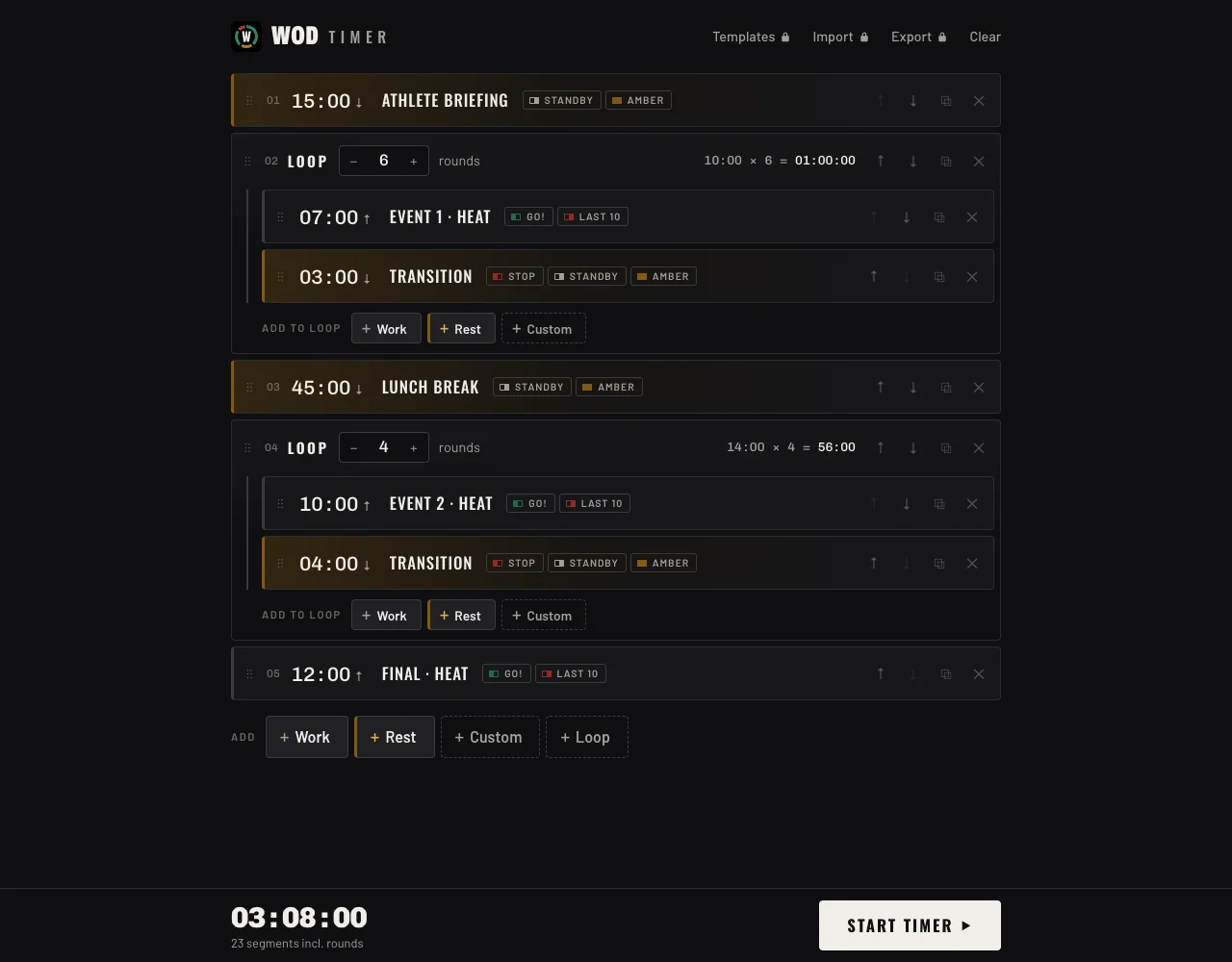
Add segments with one click from templates. Put a heat and its transition in a loop and set the number of rounds. A whole competition day takes minutes.

Put the browser in fullscreen on the big screen. The controls fade away and the clock fills the screen.

Segments roll into each other on their own: GO! to start a heat, red for the last ten seconds, STANDBY before the next one.
Huge condensed digits that fill any TV or projector, with the segment name above them.
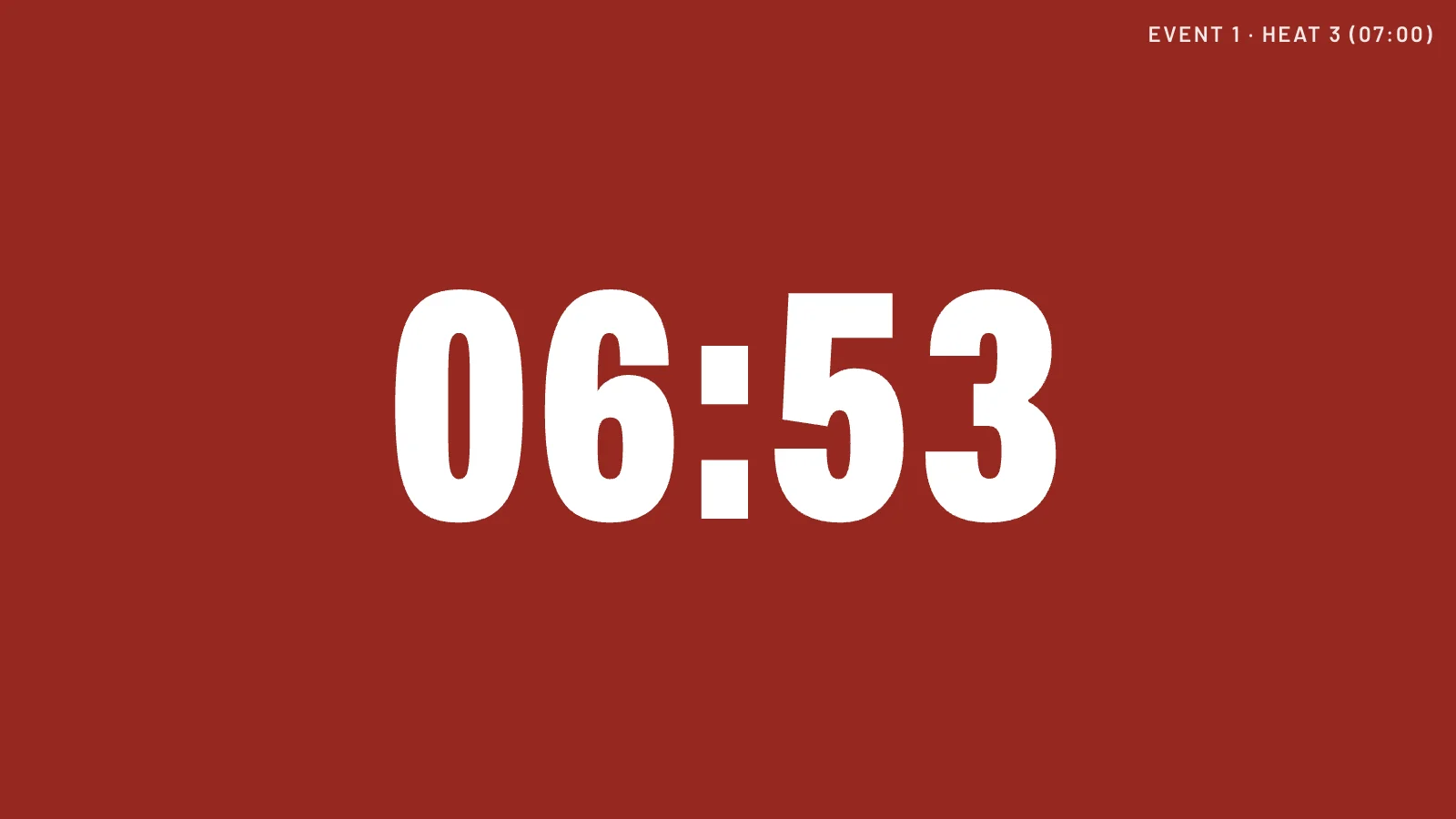
Green GO!, red STOP and last ten, amber for transitions. Athletes and judges see where they are without reading.
Three short beeps count down the last seconds and a long beep marks zero, so nobody has to watch the clock.
Time caps count up, transitions count down. You choose per segment.
While the timer runs, the display won't dim or go to sleep in the middle of a heat.
Space pauses, the arrow keys jump 10 seconds, and one click goes back to the previous segment.
Venue Wi-Fi is never something to count on. The offline version runs from a folder on the laptop, so the clock keeps going whatever the network does.
| Free (online) | Offline · €5 | |
|---|---|---|
| Build workouts with loops and templates | Yes | Yes |
| Big-screen timer, signal colours, beeps | Yes | Yes |
| Saves your workouts in the browser | Yes | Yes |
| Save your own segment templates | No, Work & Rest only | Yes |
| Runs without internet at the venue | Needs internet to open | Yes |
| Import & export: plan at home, run at the venue | No | Yes |
| Install on your own computers, no website needed | No, runs from wod-timer.app | Yes, as many as you like |
| Price | Free | One-time €5 |
A laptop connected to the TV or projector with HDMI, and a modern web browser. Run the timer in fullscreen on the big screen.
After paying you get a ZIP file. Unzip it anywhere, double-click index.html and it opens in your browser. No installation and no internet needed.
As many as you like: your own laptop, the venue laptop and the backup laptop.
Made for Chrome and Edge (recommended on competition day). Firefox and Safari should work too; try the free version first.
Yes. New versions are available from the download link in your receipt email.
No. Workouts you build at wod-timer.app/free stay in that browser. Build the day in the offline version, export it, and import it on any computer.
All sales are final. The free version has the same timer, so please try it first. If something doesn't work, email hello@wod-timer.app.